What's new
What's new in Universal Clicker 2.5.1
The same app on iPhone, iPad and Android. Update it from the App Store or Google Play to get everything below.
iPhone, iPad and Android · November 2026
Version 2.5.1
This website and the app now work together: its buttons, QR codes and shared template links open the right screen in the app.
Open in the app
Every “Open in the app” button and QR code on this website opens the matching screen in the app: plans, templates, a single template, Record, Describe or Step by step.
Shared templates open in the app
A link to a template opens it straight in the app when the app is installed, and the template's page on this website when it isn't.
Fixed
- Settings → Delete account opens the steps for deleting your account and its data.
iPhone, iPad and Android · October 2026
Version 2.5.0
No account needed, a fresh and simpler look, and runs that work on more websites with fewer interruptions.
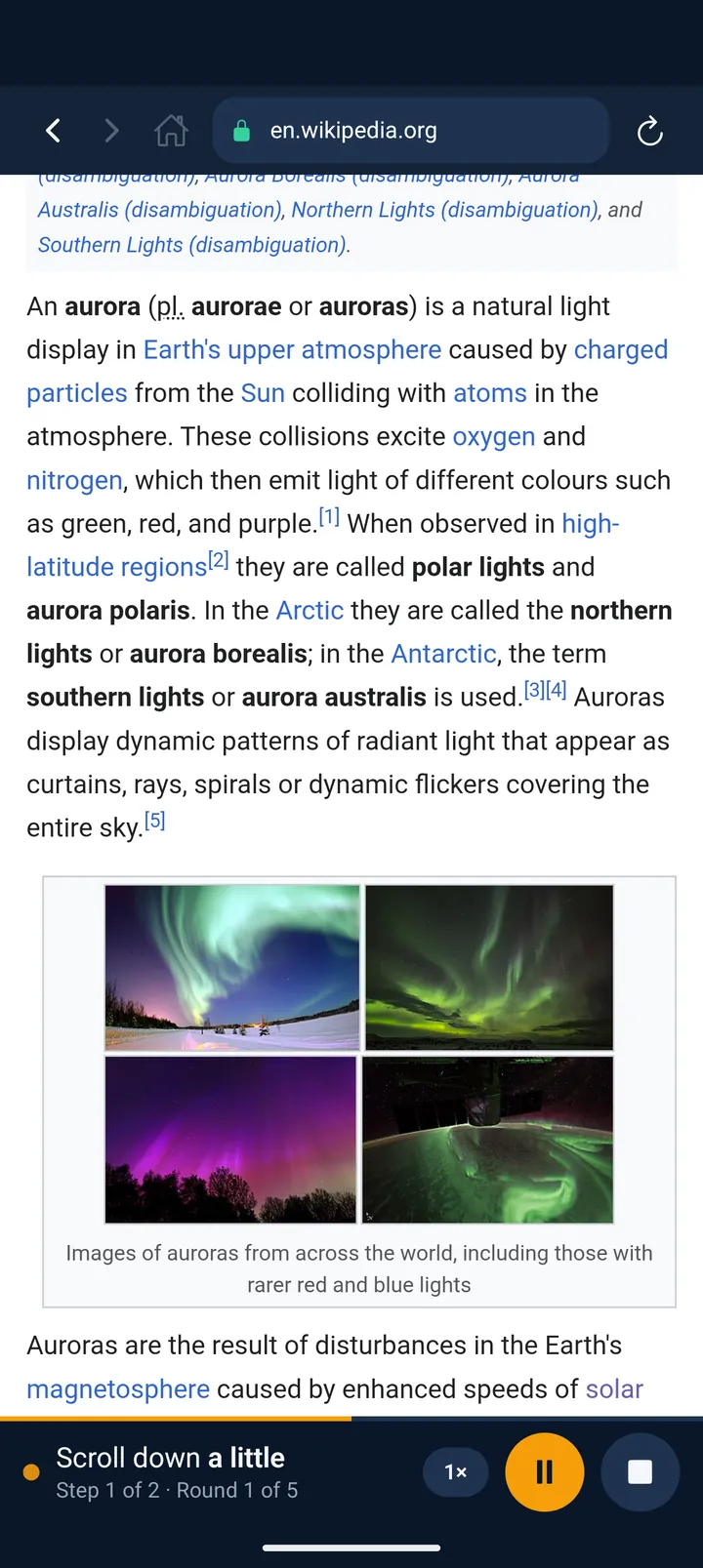
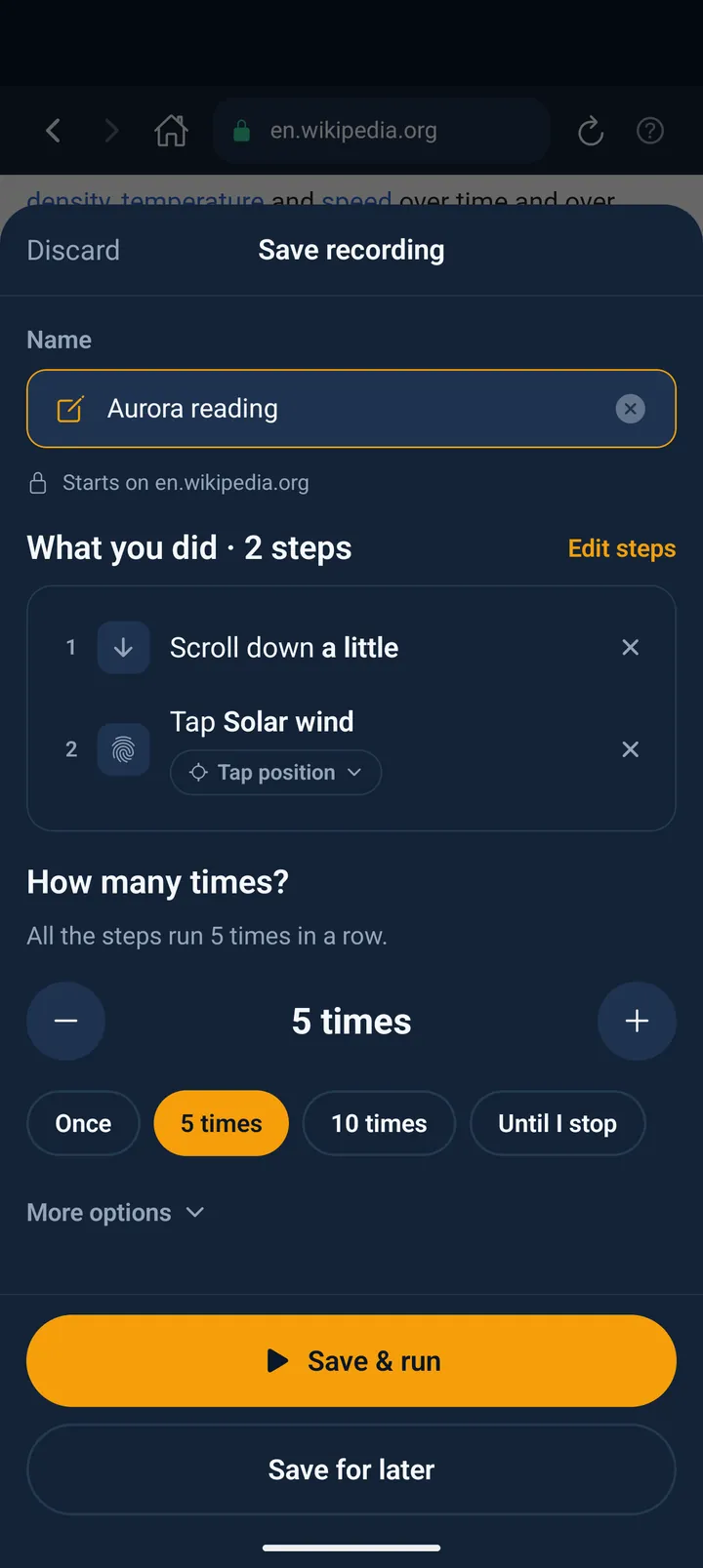
Run asks “How many times?”
Pick once, up to 100 times or until you stop, with quick picks and − / +. Tick “Remember my choice” and Run just plays; change it any time on the automation's screen.
Last 7 days
Home, Settings and each automation show the runs, the steps done for you and the time saved compared with doing it by hand.
A start page in the browser
Your recent sites as tiles with their own icons, plus good places to start: YouTube, TikTok, Instagram, Facebook, X, Reddit and sites that work without signing in.
Website prompts no longer stop runs
A cookie banner, a sign-up nag or an “open the app” card only holds a run when it covers the next step. Tap Continue or Stop; the run also goes on by itself once the page is clear.
AI without an account
Describe a task and the AI looks at the website, builds the steps and tests them before you save. It keeps building if you switch apps and sends one notification when it's ready.
Taps that switch how they find their target
Every recorded tap keeps its spot and its button. Taps play by position unless you switch one or all of them; when a run fails at a tap, the app offers the switch.
Speed per automation
Choose 0.5×, normal, 2× or 3× on each automation's screen, or change it while it runs (up to 5×).
Runs you leave
If you switch apps during a run, it pauses and picks up again when you come back, and a notification tells you where it stands.
A fresh, simpler look
Every screen redone, with a clearer recording toolbar, step sentences you can read and one switch for all notifications.
Fixed
- Some websites never finished loading on iPhone and iPad. They load now.
- TikTok's feed no longer holds a run, and Instagram's “Watch this reel in the app” card closes by itself.
- Moving between the sign-in and sign-up screens no longer piles them up.
- Settings shows how many requests to the AI are left, also when you aren't signed in.
- After you save a recording, an older run's result no longer comes back.
Android · October 2026
The new app on Google Play
Universal Clicker on Android is rebuilt from scratch: the same app as on iPhone, with everything in one built-in browser.
Everything in one browser
Record, describe, templates and step by step, as on iPhone. Split screen and the click counters of the old version are gone.
The same plans, through Google Play
Pro, Max and Business with the same weekly allowances. If Google Play can't sell plans on a phone, the app opens on the Free allowance instead of blocking.
Made for Android
The Back button closes the open sheet or the address bar first, then goes back on the website. Screens run edge to edge, always dark, with a new icon that also follows Android 13 themed icons.
More devices
A camera, microphone or Wi-Fi is no longer required to install it.
Fixed
- Menus with more than three choices open as a list, so no choice is cut off.
- Rate and Share in Settings open Google Play; Export shares your automations as a file.
Update or install the app
Install the app on your phone or tablet. Automations are made and run there; this website only explains them.
- iPhone and iPad: iOS 15.1 or later
- Android: Android 7.0 or later